
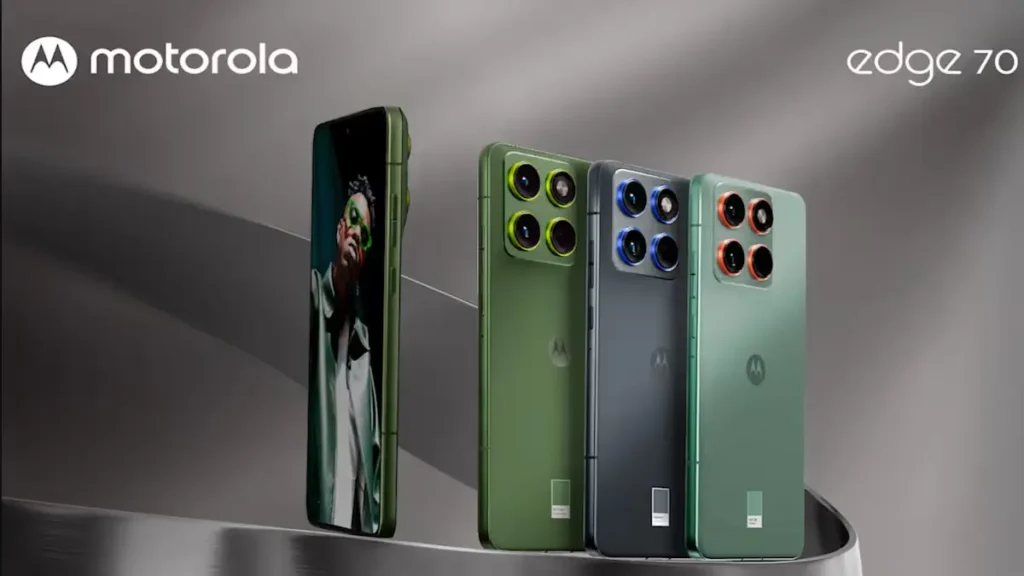
Motorola Edge 70 Review: I’ve been using the Motorola Edge 70 for a bit now, and honestly, this phone caught me off guard—in a good way. The Motorola Edge 70 series officially kicks off with this device, and after spending real time with it, I can say this much upfront: Motorola is clearly aiming for balance this year.
Not flashy gimmicks. Not spec-sheet flexing. Just a phone that feels good to use every single day. Let’s break it down, the way I actually experienced it.
Unboxing the Motorola Edge 70 (Yes, I Smelled the Box)
Motorola still does this little thing where the box has a fragrance. I know it sounds silly, but it’s oddly satisfying. First impressions matter.
Inside the box, you get:
- The Motorola Edge 70 itself
- A 68W USB-C fast charger
- USB-C to USB-C cable
- SIM ejector tool
- Basic paperwork
No case in the box, which is a bit disappointing, but not a deal-breaker. The moment I picked up the phone, one thought hit me instantly:
“This feels unreal in the hand.”
Design & In-Hand Feel: This Is the Star of the Show
The Motorola Edge 70 is ridiculously thin, under 6mm, and weighs just under 160 grams. That’s not a typo. It genuinely feels like you’re holding a sheet of metal and glass.
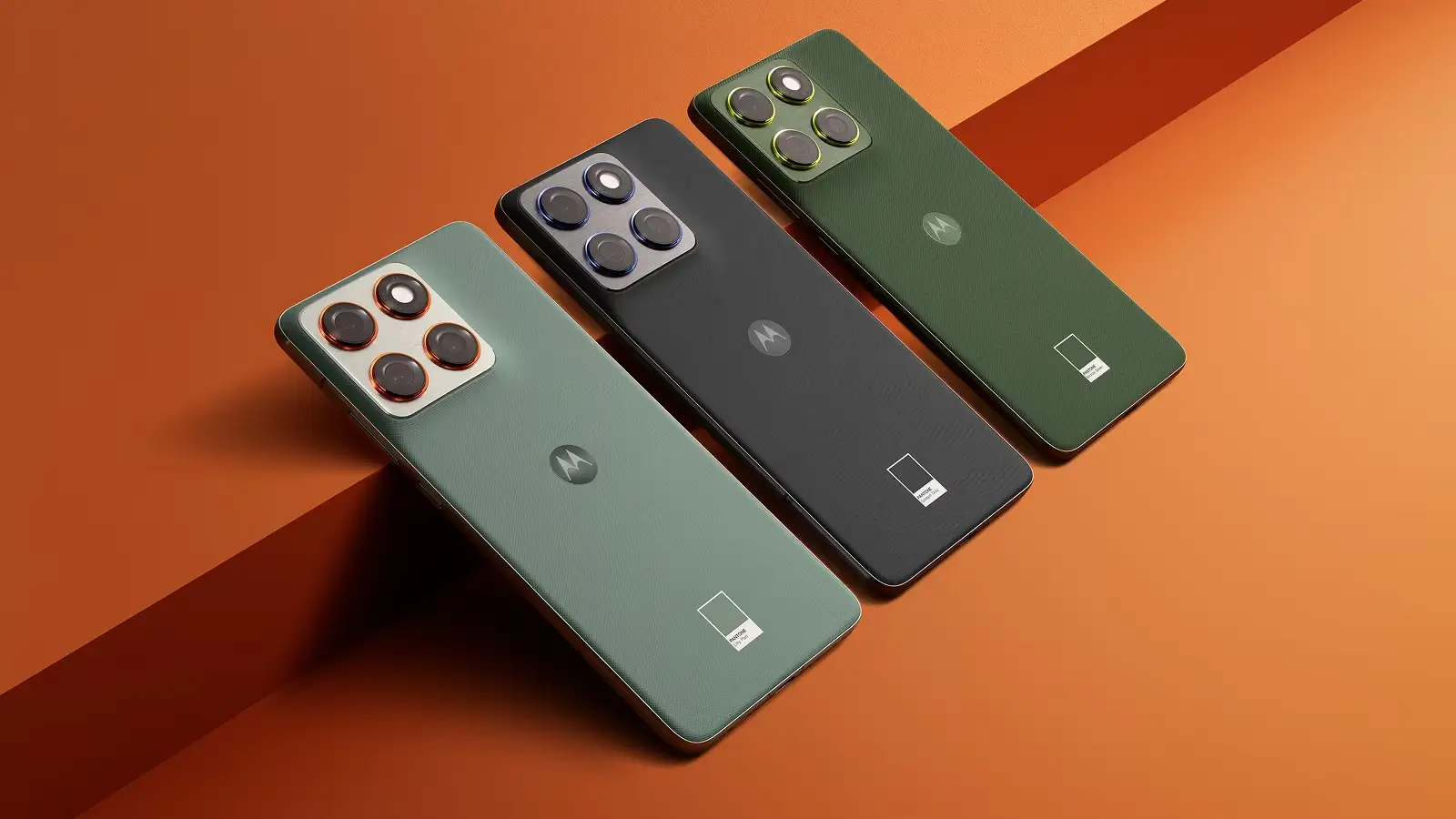
The back has a nylon-inspired silicone finish with subtle ridges. It’s grippy, doesn’t feel slippery, and doesn’t scream “fingerprint magnet.” I used the bronze-green Pantone-validated color, and it looks classy without trying too hard.
The metal frame around the camera module adds a premium touch, and the brushed aluminum sides feel solid despite the phone’s light weight. This is one of those phones where you don’t need a case immediately, because it already feels good naked.
Durability (Yes, Despite Being So Thin)
This part surprised me.
- IP68 & IP69 rating
- Military-grade MIL-STD-810H certification
- Gorilla Glass protection on the front
I even did a small drop test from the back. No drama. No scratches. No cracks. It handled it better than I expected.
Display: Flat, Bright, and Finally Practical
Motorola ditched the curved display here, and thank goodness for that.
You get:
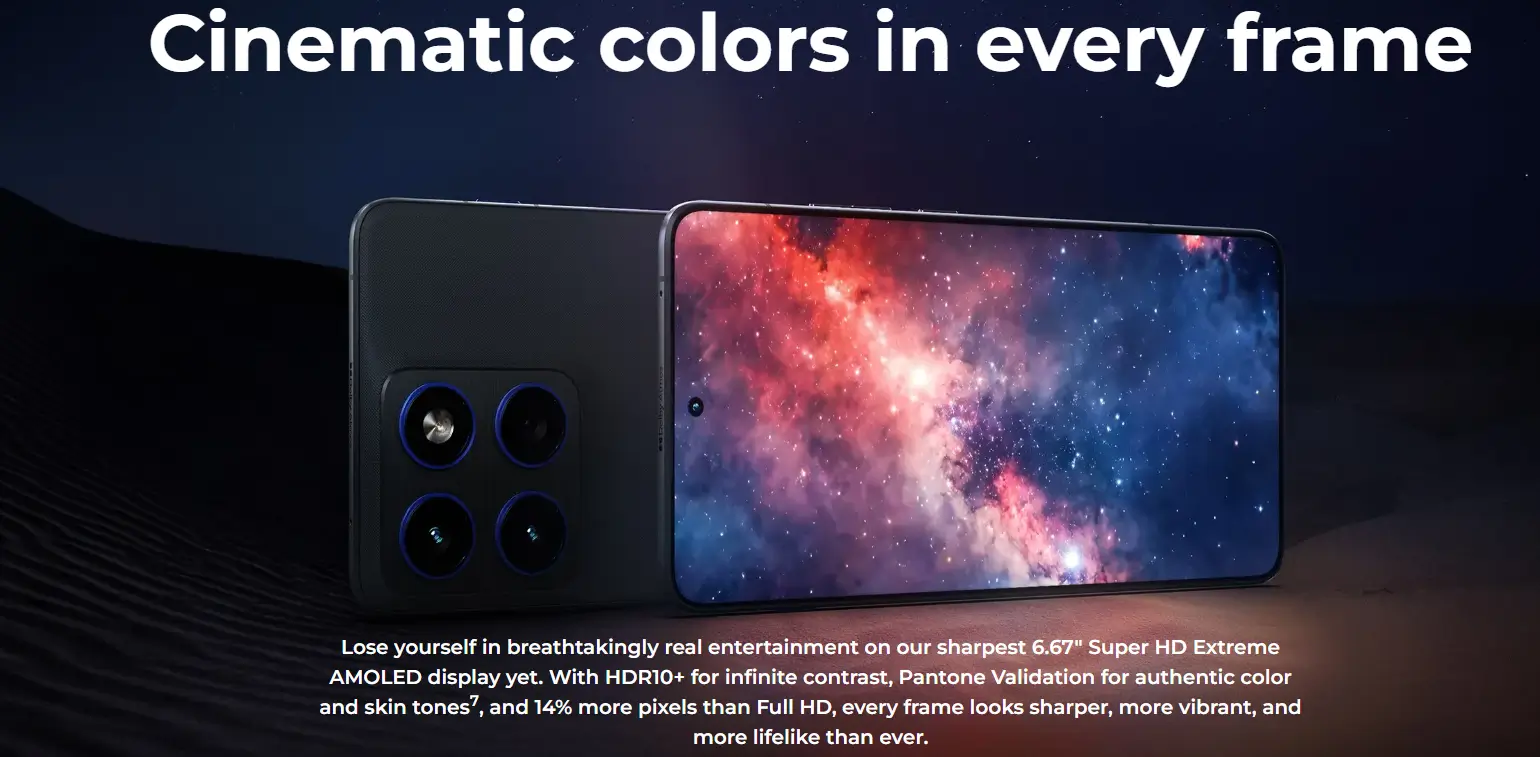
- 6.67-inch flat AMOLED display
- 1.5K resolution
- 1600 nits peak brightness
- Pantone-validated colors
- Ultra-thin bezels
Watching content on this phone is genuinely enjoyable. Colors look accurate (not overcooked), text is sharp, and outdoor visibility is solid.
There are three color modes: Standard, Neutral, and Vivid. I’d suggest sticking to Standard or Neutral. They look the most natural. For Netflix, YouTube, and HDR content, this display easily punches above its price.
Performance: Smooth, Stable, No Complaints
The Motorola Edge 70 runs on the Snapdragon 7 Gen 4 (4nm) processor, and it shows.
In real use:
- Apps open fast
- Multitasking feels effortless
- Gaming is smooth (BGMI runs at 120 FPS out of the box)
- No heating issues worth mentioning
You get 8GB LPDDR5X RAM and 256GB UFS 3.1 storage, which is more than enough for most users. This isn’t a “gaming phone,” but it handles games and heavy tasks without acting dramatically.
Battery & Charging: Reliable and Convenient
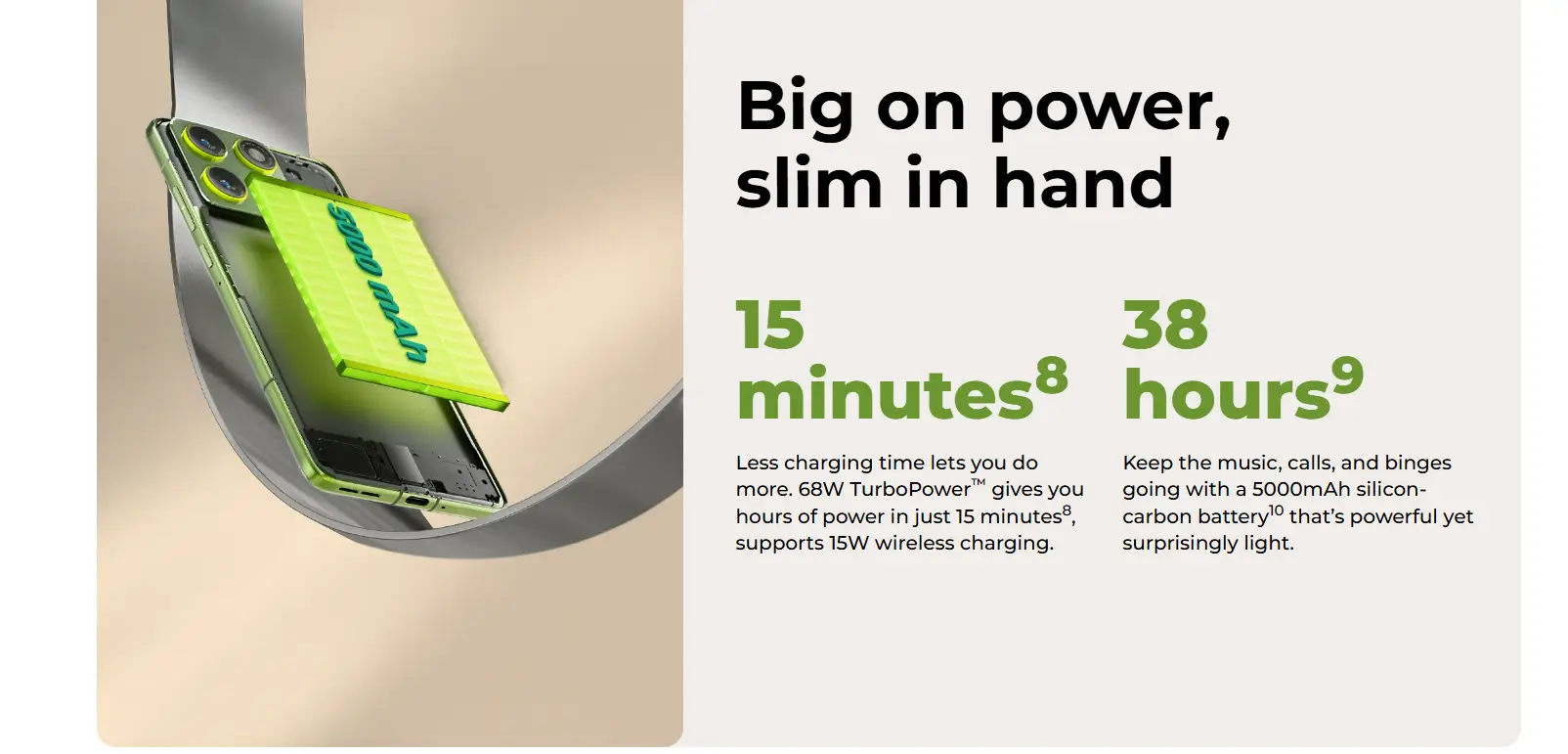
Despite being ultra-thin, Motorola managed to pack in a 5000mAh battery, which is impressive.
- 68W fast charging (0–100% in ~45 minutes)
- 15W wireless charging
- Easily lasts a full day with mixed use
For a phone this light, battery life is surprisingly dependable.
Software & UI: Clean, Calm, and Mostly Unobtrusive
The phone runs Hello UI based on Android 16.
Here’s what I liked:
- No aggressive notification spam
- Minimal pre-installed apps
- Smooth animations and transitions
You do get Motorola’s Glance feature and the Indus App Store, but both can be turned off easily.
Update policy:
- 3 years of Android updates
- 4 years of security updates
Not industry-leading, but fair for the segment.
Moto AI: Actually Useful (With Room to Grow)
Motorola is taking AI seriously this time, but in a grounded way.
You can:
- Choose your AI assistant (Gemini, Copilot, Perplexity)
- Summarize text locally on the device
- Transcribe and summarize voice notes
- Generate images and wallpapers
- Save content as “memories.”
- Get notification summaries
There’s a dedicated AI key on the side to trigger Moto AI instantly. I like the idea, though I wish Motorola allowed more customization for that button.
Is it perfect? No. Is it practical? Yes, more than most AI features I’ve seen lately.
Also Read: Realme P4X 5G Review – Don’t Buy This Phone Until You See THIS — Shocking Results
Audio, Connectivity & Extras
- Stereo speakers with Dolby Atmos
- Loud and clear for calls, music, and videos
- Wi-Fi 6E, Bluetooth 5.4, NFC, 5G support
- In-display fingerprint sensor is fast and reliable
No IR blaster. No FM radio. No notification LED. Most people won’t miss these.
Camera: Natural Colors, Solid Video, No Drama
Camera setup:
- 50MP main camera
- 50MP front camera
- Ultra-wide with autofocus (also works as macro)
What stood out for me:
- Skin tones look natural
- Colors don’t feel artificially boosted
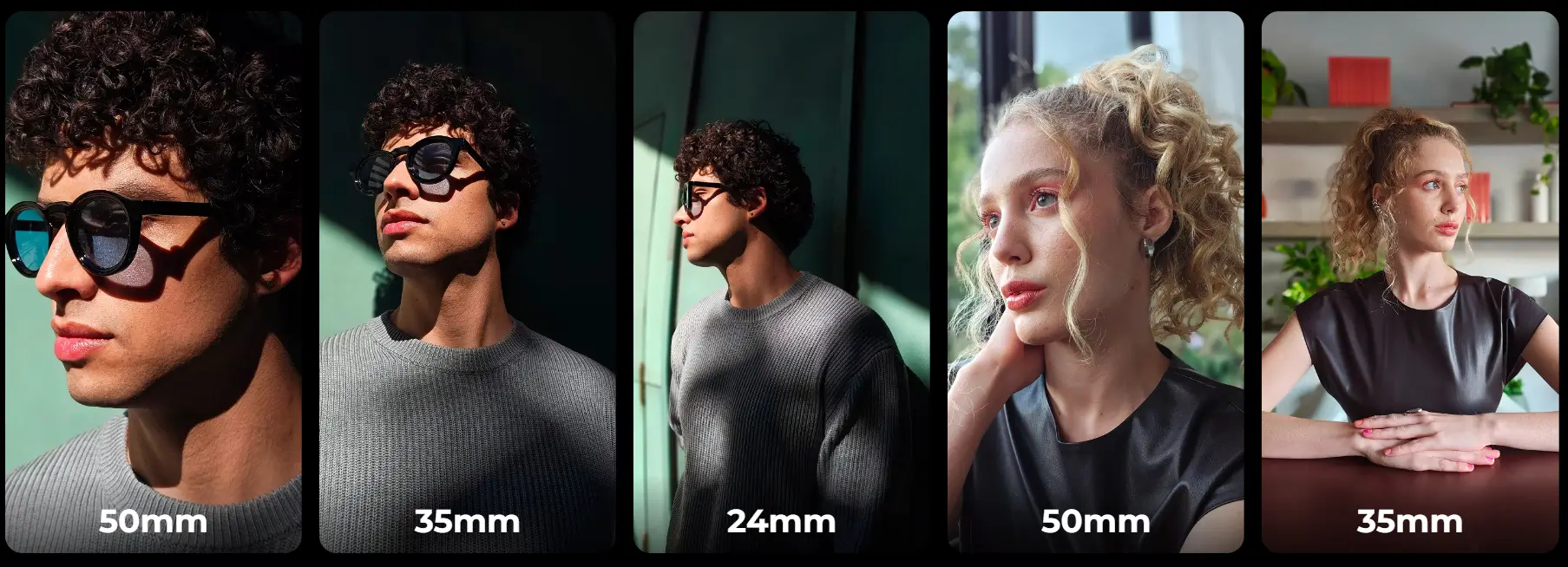
- Portraits at 2x look clean and detailed
- 4K 60fps video on all cameras, front and back
Motorola Edge 70 removed the dedicated telephoto lens this time, which might bother some people. But the overall image quality feels more consistent and reliable than before.
For social media, casual photography, and video recording, this camera system does the job well.


Motorola Edge 70: Good & Bad Things
| What I Liked | What Could Be Better |
|---|---|
| Extremely thin and lightweight design (under 6mm, ~160g) – feels amazing in the hand | No protective case is included in the box |
| Premium in-hand feel with grippy nylon-style silicone back | AI key has limited customization right now |
| Flat 6.67-inch AMOLED display with 1.5K resolution and accurate colors | No dedicated telephoto camera this time |
| Very slim bezels and excellent screen-to-body ratio | Only one storage variant (8GB + 256GB) |
| Snapdragon 7 Gen 4 delivers smooth daily performance and stable gaming | USB 2.0 instead of USB 3 |
| 120FPS gaming support out of the box | No expandable storage (no SD card slot) |
| 5000mAh battery despite an ultra-thin body | No FM radio or notification LED |
| 68W fast charging + 15W wireless charging support | Wireless charging speed is average |
| Clean Android 16-based UI with minimal bloat | News feed in the app drawer needs manual disabling |
| Useful Moto AI features with on-device processing | Some AI features still rely heavily on the cloud |
| Stereo speakers with Dolby Atmos sound loud and clear | Haptic feedback is decent, not class-leading |
| IP68/IP69 rating + MIL-STD-810H durability | Charger is fast, but the charging brick feels bulky |
| 4K 60fps video support on all cameras (front & back) | The Camera lacks optical zoom |
| Natural skin tones and reliable camera output | Low-light photography is good, not exceptional |
Final Thoughts: Who Is the Motorola Edge 70 For?
After using it, here’s my honest take.
The Motorola Edge 70 is for people who want:
- A thin, lightweight phone that feels premium
- A great display for content consumption
- Clean software without unnecessary noise
- Reliable performance without overheating
- Good cameras with natural output
It’s not trying to be everything for everyone, and that’s exactly why it works. If Motorola prices this around $350–$400 USD, it’s going to be a very compelling option in the mid-range market.
For me, the biggest win is the in-hand feel. Every time I pick it up, it reminds me why design still matters. That’s the Motorola Edge 70, balanced, practical, and refreshingly comfortable to use.